Find your first line.
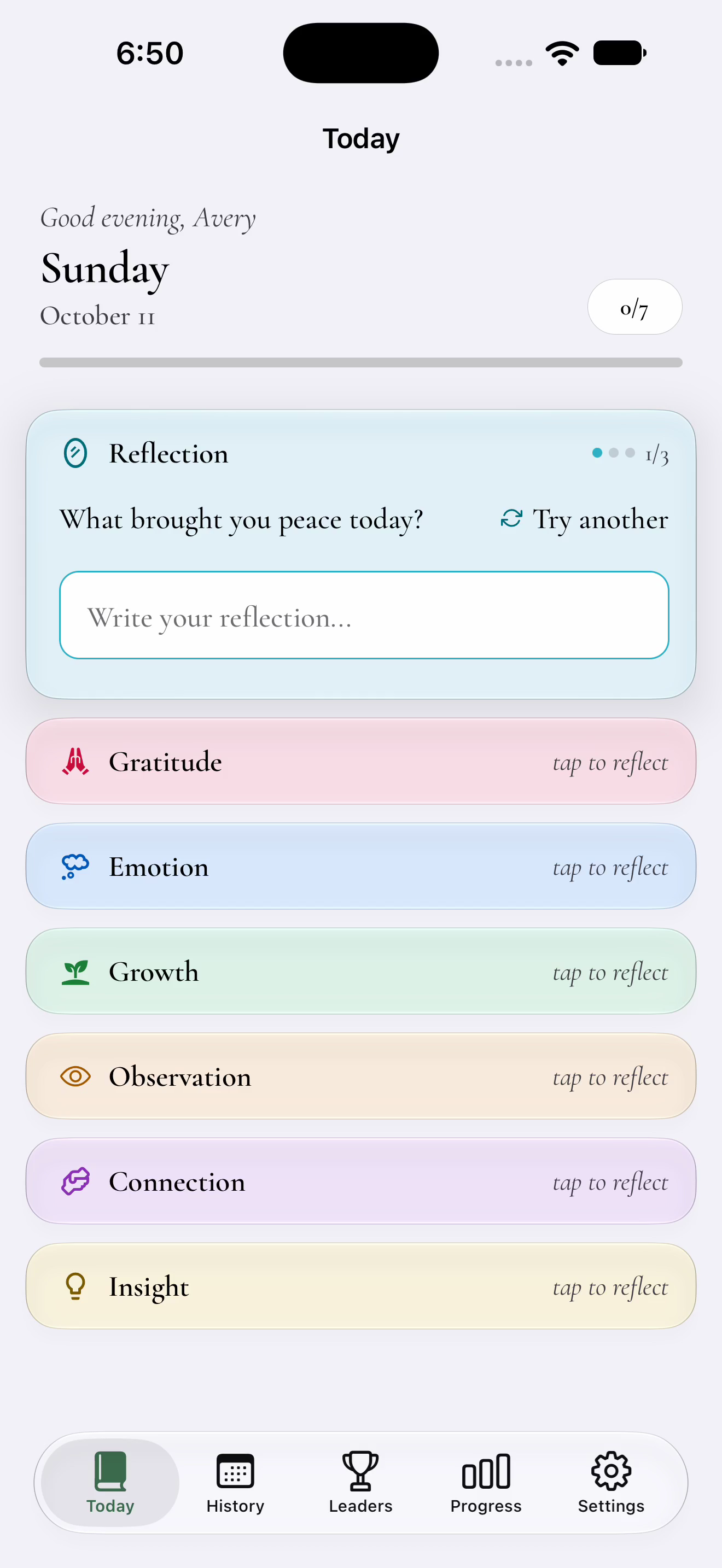
Seven daily categories give you a starting point. Each has three prompt options, so you can find a question that fits.
 One-Line Journal
 A little space for you
A daily journal for the moments you want to remember. Start with a prompt. Write a line. Make it yours.
For iPhone, iPad, and Android. Account required.
A closer lookSmall entries. Something to keep.
The conversation that stayed with you. Something that made you smile. A thought you don’t want to lose. There’s room for all of it, one short reflection at a time.
Seven daily categories give you a starting point. Each has three prompt options, so you can find a question that fits.
Write a brief response and save it to your journal. Answer what speaks to you; you don’t have to complete every category.
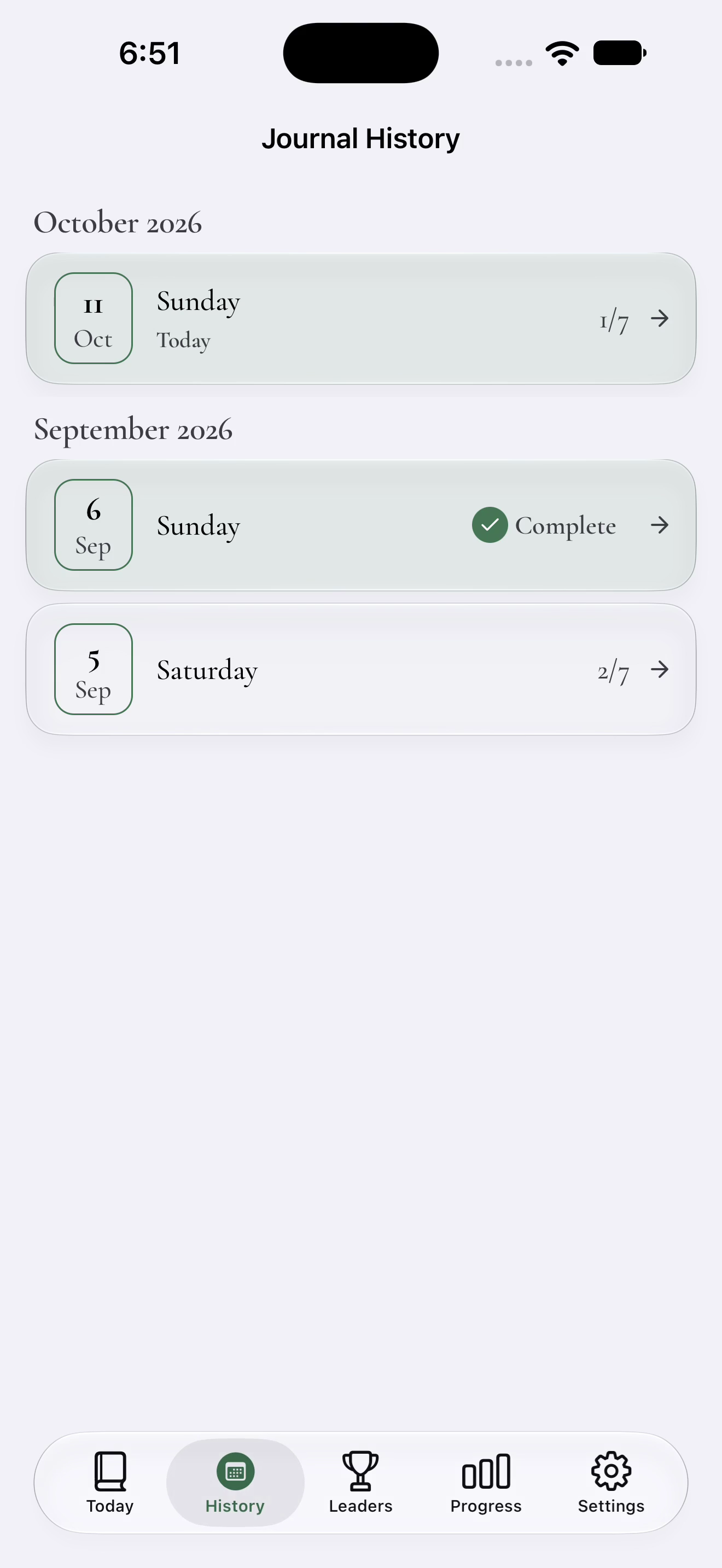
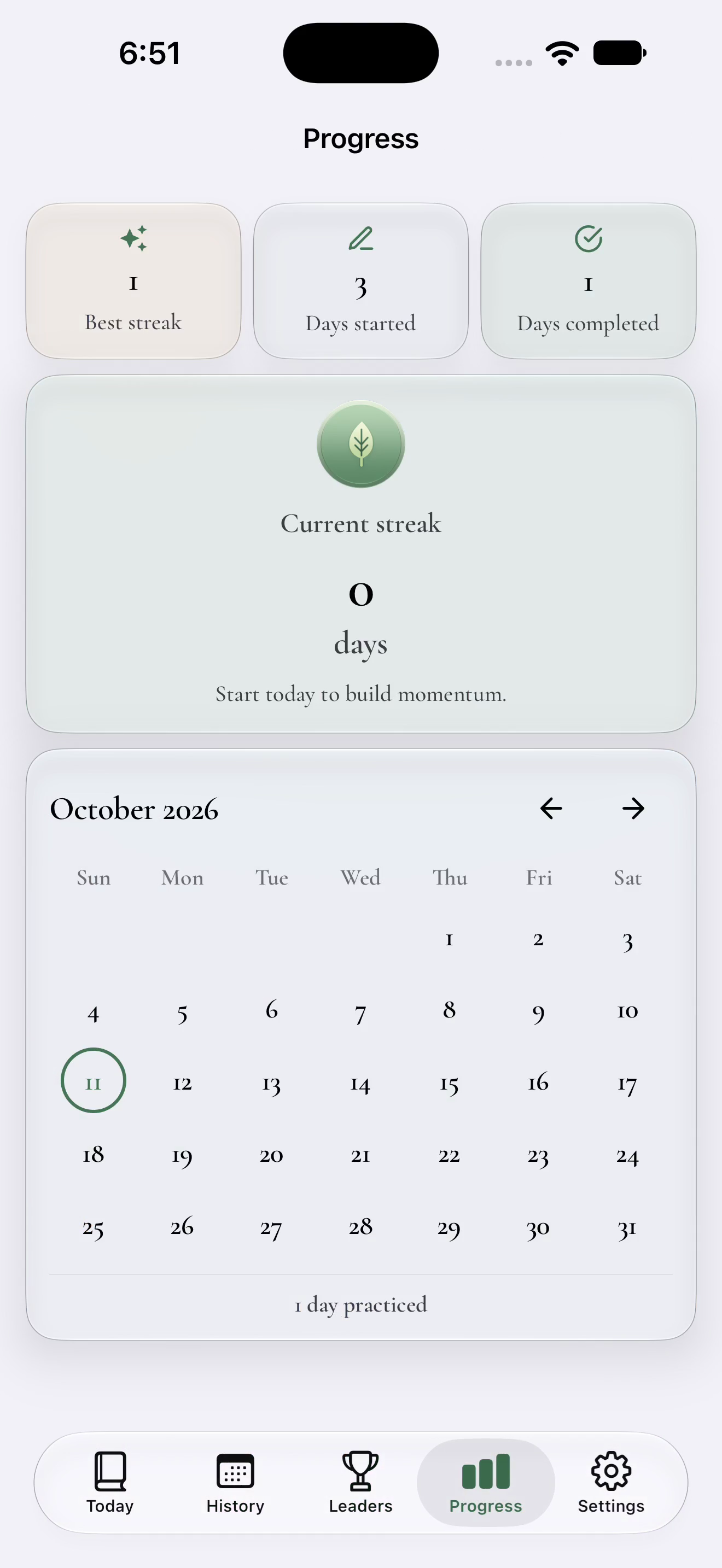
Revisit your entries in History. Choose reminders and follow your streaks and monthly activity as the days add up.
More than one way to reflect
Some days call for gratitude. Others, a little perspective. Explore seven categories, each with its own way in.
Yes. Create an account or sign in to use your journal. An internet connection is required to save entries to your account.
No. Start with the category that fits your day. Each category offers three prompt options; tap Try another to find your starting point.
Yes. Choose your reminder pace, set a daily reminder time, or turn writing reminders off. A morning preview, extra nudges, and a weekly recap are also available in notification settings.
Your account starts in a weekly Bronze League. Standings show your public name and writing activity, including points, active days, and character totals. Your prompts and journal text are not displayed in league standings.
Drafts stay on the device where you write them. Save while connected to keep an entry in your account. Local drafts are not an offline sync queue or a backup.
One prompt. One thought. One line.
Available for iPhone, iPad, and Android. Account required.